Sign Wizard 7 comes with many powerful new tools that will speed up
workflow and help you create the eye-popping designs that keep your customers coming back for more. Listed
are below are the 29 new and improved capabilities in Version 7.
Click on the links below to view short video demos of these new features.
Our new advanced Paragraph Text tool makes short work of the most complex jobs, and not
just text-heavy jobs. Featuring auto numbering, auto bullets, full justification, multiple columns, text
frames, auto-weld, and more!
Watch the new video!
Click the links below to play demos:
| Simple Wrap | Columns | Bullets | |
| Text On Arc | Live Text on Path | Full Justify |
)
)
)
)
)
)
The Effects Library is a major help in making the special effects features easy to use. Simply find an effect or combination of effects that works for your job and in a few clicks you have it applied to your text, retaining full editing.
)
Add a touch of color, add dimension to flat clipart, erase an old shop sign, and more.

)
Touch up photos quickly and easily with this powerful tool. Erase a previous sign from a storefront. No need for other software.

)
Erase or knock out the background of a bitmap to enhance possiblities with composition. You can either erase manually or knock out entire sections with the Knock Out option.

)
Create high-impact graphics with the new Image Fill tool, which includes a library of 100 great fills to get you started. Add your own fills to the library with ease.

)
Create scalable bevels with this simple vector-based bevel tool, which makes use of our feather tool to achieve a great looking bevel effect. You can even edit the text after the fact!

)
Dynamic Outline gives any object an outline that's automatically recreated when the path changes, including text editing, font changes, etc.

)
Dynamic Shadow gives any object a vinyl-ready shadow that's automatically recreated when the path changes, including text editing, font changes, etc.

)
Dynamic Contour Cut Paths is a huge time-saver when there are last minute changes to the design. Even after you've configured your contour cuts, you can change the font, correct a spelling error, whatever you need to do, and the contours will regenerate automatically!

)
The Paragraph Text tool features a dramatically improved Fit to Arc feature, now part of the text tool, which means you can freely edit text that is mapped to a circle. Even adjust spacing in real time!

)
Map Paragraph Text to an arbitrary path. Just create a simple shape to be the new base line, group it with the text and select Map to Path in the Paragraph menu. You can edit the vector path and the text after the fact.

)
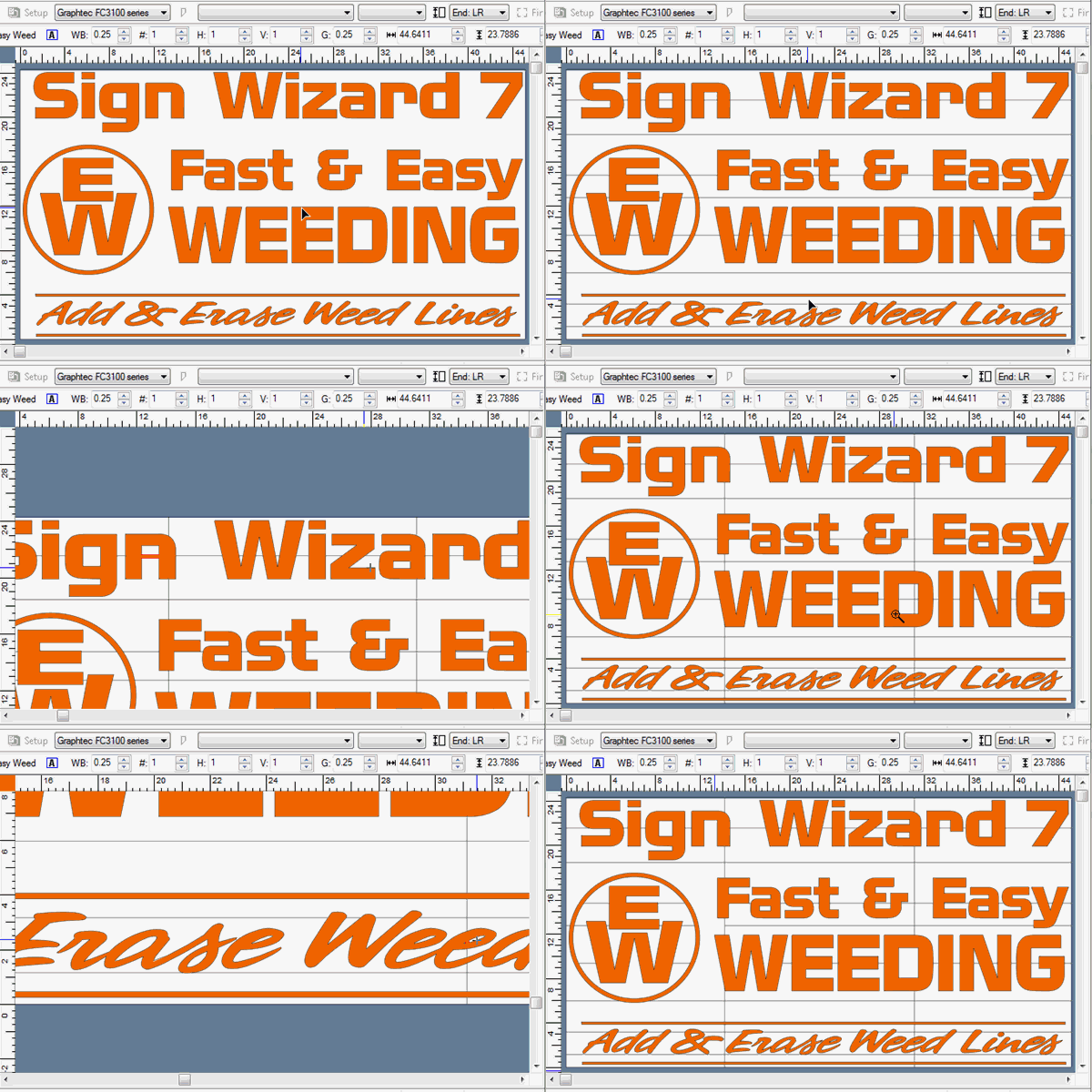
The new Weed Line Eraser tool helps eliminate unnecessary small weed lines, speeding up the weeding process significantly.
)
The Arrow Tool has been enhanced to work more intuitively.

Rounded Rectangle Enhancements
)
The Rounded Rectangle Tool has been improved, adding an option to preserve the relative size of the radius and inlines when scaling, and a button to separate a two-inline rectangle into two objects.

)
The new toolbox uses actual Sign Wizard graphics for easier visual identification. Because they're vector graphics, you can choose the size of the icons you prefer—small, large or in between—and whatever size you choose, the icons are very crisp and clear. The toolbox wraps around to as many columns as required, so you can place as many as you want on the toolbox and not have to deal with flyouts.

Easily Create a Contour for a Bitmap with Transparent Edges
)
This command makes short work of creating a contour cut path for a bitmap with transparent edges. Just select your bitmap and this command and in a few seconds you have contour paths, ready for production.

Automatic Snapping to Graphics
)
Using the Alt key when moving graphics lets you snap to the edges of other graphics with ease, reducing the need to create guidelines.